
 Song-saem: From Planner to Developer with AIBlog home →
When AI Seems to Ignore Your Instructions: Three Things I Learned from Two Years of Fighting with AI
If you asked AI to “fix just this part” and it rewrote the whole code, the cause may be AI’s limits, or a different idea of the scope. From more than two years of building programs with AI, and many arguments along the way, here is how to set the scope of a fix, three things good results need, and what to check first when things go wrong.
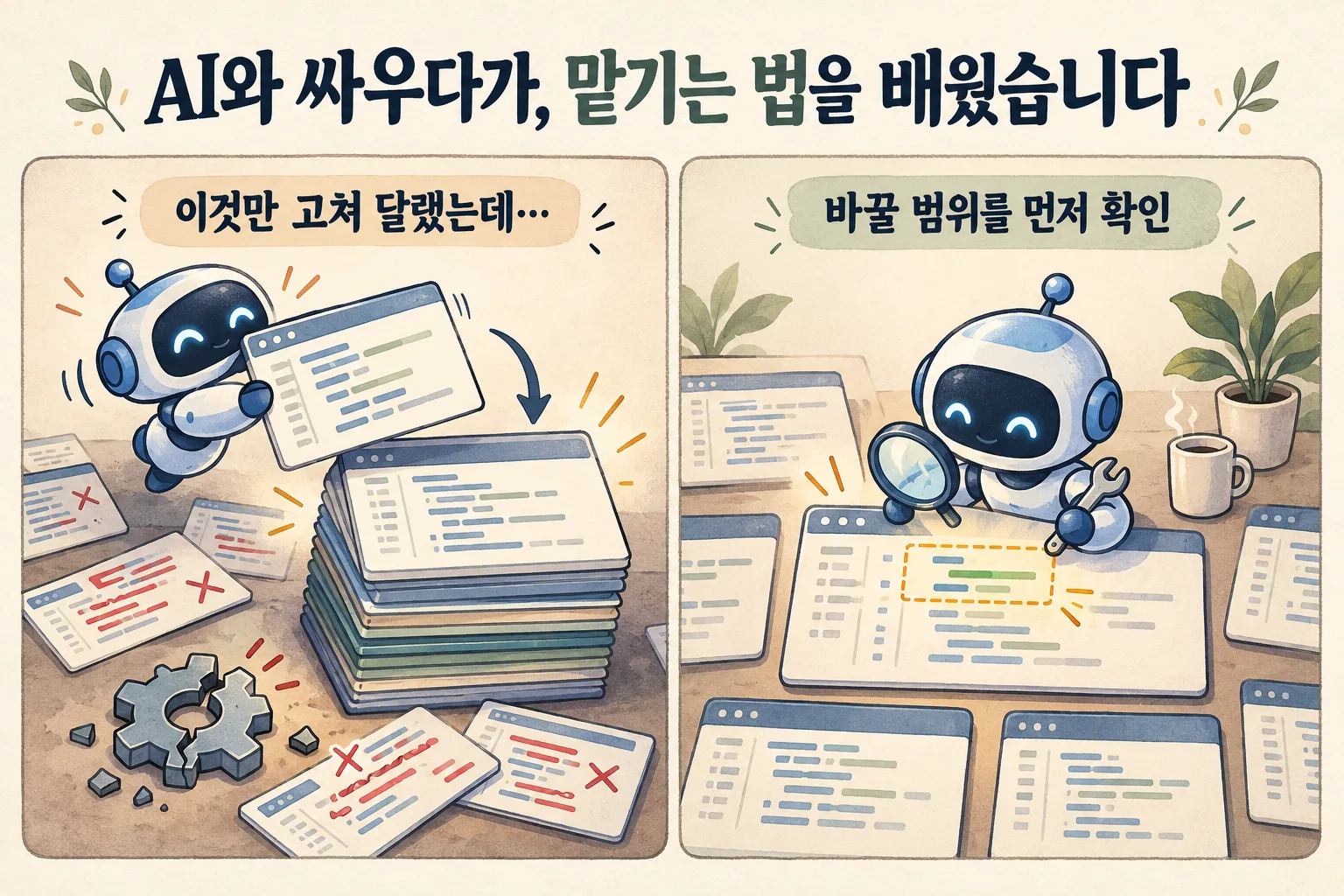
When AI seems to ignore your instructions, start by separating the causes. It may have been something the AI of that time couldn’t do reliably, or the scope you had in mind may have differed from the scope the AI understood. I have built programs with AI for more than two years, and I fought with it a lot. Looking back, not every problem was my fault, but there were clearly places where my requests could have been more specific. What I took from it comes down to three things: understand how AI responds to your instructions, know the field you are building for in depth, and use the two together.
I asked it to “fix just this part,” so why did everything change?
I got angry most often when fixing code. I would ask it to keep the existing features and change only this part, and the AI would rewrite almost the whole thing. The part I wanted changed was different, but features that had worked were gone or altered, and checking and restoring them made the job bigger than when I started.
Back then I often pasted long code into the chat and copied back the whole file the AI rewrote. It was hard to check what had changed, and the problems I missed surfaced later.

Was it the AI, or my request?
Both.
| Cause | What happened |
|---|---|
| The AI’s limits | Some tasks were hard for the AI of that time to do reliably. Sometimes it failed to follow instructions I had clearly written |
| A different scope | The scope of “a fix” I had in mind differed from what the AI actually changed |
Not every problem came from asking badly. But the second cause can be reduced by changing the request. Add these conditions to “just fix it”:
“Fix it only inside this feature. Keep the other existing features and screens. First explain where you’ll change and why. If other files need changes too, tell me why first.”
When the fix is done, check not only what changed but also the features that should have stayed the same. Writing a specific request and checking whether AI kept it go together.
Why isn’t “AI is like this” enough?
The same AI gives different results depending on what material you give it and how you ask. It also varies with the model, the tool and the length of the conversation. So general descriptions aren’t enough; you have to see for yourself where things go off track with the way you ask, and what extra information makes them better.
As I wrote in Want to Get Good at AI? Stop Studying It and Build Something, without something to build I would hardly have noticed these differences. Building and fixing real programs is how I came to understand both how AI responds and how I ask.
What do you need to get good results?
| Condition | What you do |
|---|---|
| 1. Understand how AI responds to your instructions | Check how AI understood the request, and adjust the next request as you see the results |
| 2. Know the field in depth | Know the work order, the exceptions and what bothers real users, and explain them |
| 3. Use the two together | Decide what’s needed as far as you know the field, and build and check while watching AI’s abilities and limits |
First, the feel for how AI responds didn’t come from trying it once or twice. It took time spent building and reviewing.
Second, even when AI produces something plausible, you need to understand the field to judge whether it works in practice.
Third, knowing how to use AI isn’t enough on its own, and business knowledge alone doesn’t make AI implement your intent for you.

Take an order management program for a company. “Save the order” isn’t the end of it. You have to decide what happens to shipping when an order changes, and how stock and money owed should change when it is cancelled. AI can help with the code, but what the right handling is for your company has to be decided by someone who knows the work.
What should you check first when it doesn’t go your way?
| Check first | Question to ask |
|---|---|
| Ability and tools | Was it possible with the current AI and the tools connected to it? |
| The intent you gave | Did you clearly state the purpose, the scope of the fix and the features to keep? |
| A standard to judge by | Do you have the material and criteria to check whether the result is right? |
You can also ask AI, “Explain how you understood my request. Don’t change anything yet.” If you were looking in different directions, you’ll notice before it works again.

How to write a specific request is in How to Ask AI Well, and why AI is plausibly wrong is in Why Is AI So Confidently Wrong?.
In short
- When AI seems to ignore you, separate AI’s limits from a difference in scope.
- Add to “just fix it” the scope of the fix, the features to keep and what to explain first.
- After a fix, check not only what changed but also what should have stayed the same.
- Good results need an understanding of how AI responds, deep knowledge of the field, and the two combined.
At ONE-PEX, we build the business system FROX the same way: understand the real work, build with AI, check the results and fit the pieces together one by one.
Related reading: Stop Studying AI and Build Something · How to Ask AI Well · Why Is AI So Confidently Wrong? · How Much Did AI Change in One Year?

A software planner who became a developer after two years of working with AI five to twelve hours a day. Today I build FROX, an AI-powered business system, at ONE-PEX.
More posts
- What Can You Build with AI?Orders in KakaoTalk, Stock in Excel, Receivables in a Notebook: Changing Messenger Orders Only the Owner Understands (Food Supplier, Part 1)
- What Can You Build with AI?I Fixed My TWA App, So Why Didn't It Change? What I Learned from the War with Caching
- What Can You Build with AI?Details Matter: Splitting 3D Characters and Vehicles So They Can Move (Building Road Voca 2, Part 5)