
 Song-saem: From Planner to Developer with AIBlog home →
I Fixed My TWA App, So Why Didn't It Change? What I Learned from the War with Caching
When fixes to a TWA app don't show up on the phone, the cause is often the service worker's caching rules or the browser cache. I cover setting update rules instead of dropping caching, checking ownership verification when the address bar stays, and what changes in KakaoTalk and Samsung Internet.
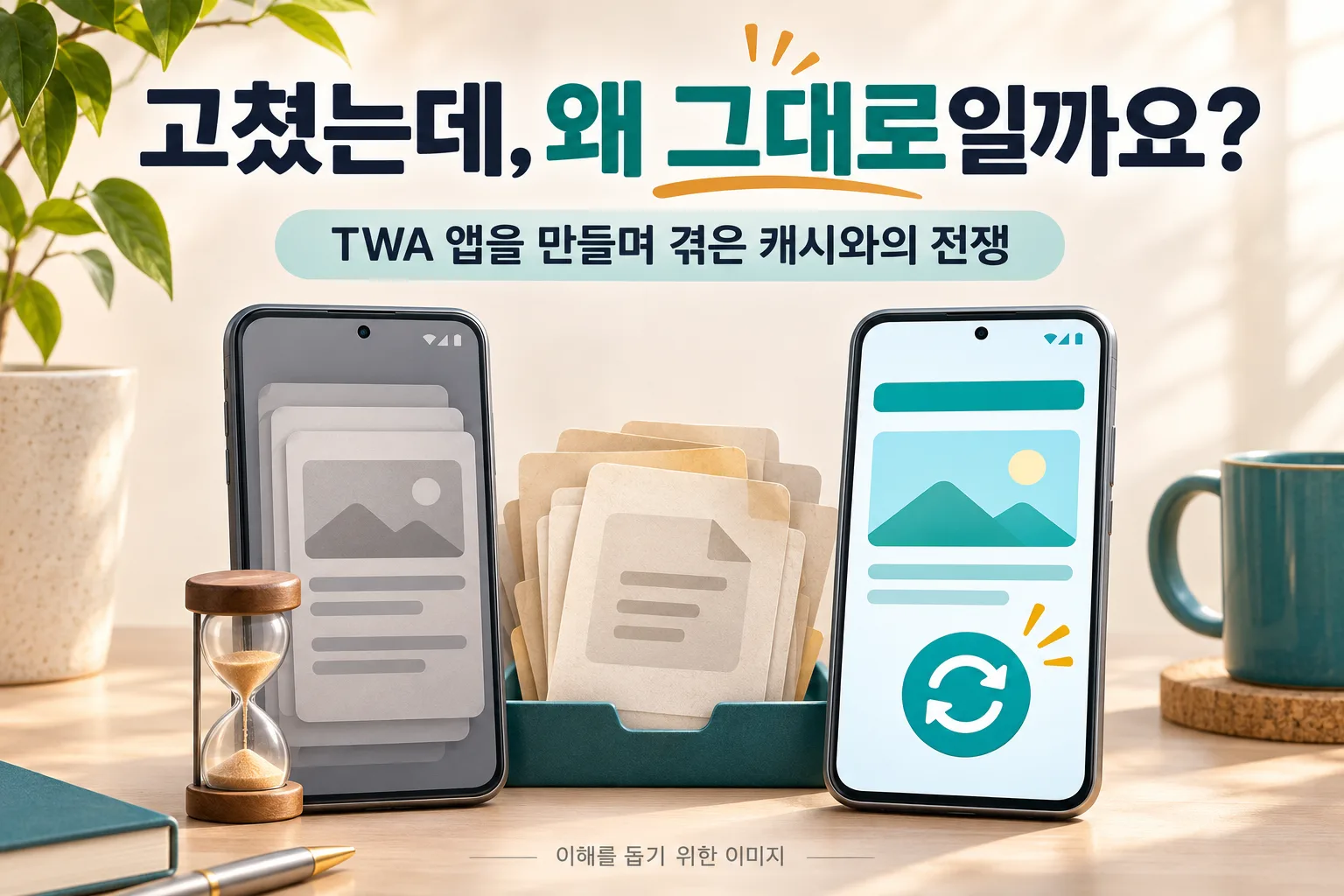
Why does my phone keep showing the old screen when I've clearly fixed my TWA app? Often the service worker has a "stored files first" rule, or the browser is set to keep files for a long time. The answer for me wasn't to get rid of caching, but to decide from the start what to keep and when to replace it. Add ownership verification for a lingering address bar, and what changes in KakaoTalk and Samsung Internet, and shipping a TWA app gets much smoother.
I once wrote that vibe coding is best started with a web app, then taken all the way to an app with a TWA. A TWA opens your web app like an Android app without an address bar. A big plus is that changes you make on the web can show up in the app too.
But when I actually built one, that "shows up right away" didn't always happen. I had clearly fixed it, yet my phone kept showing the old screen. I spent a long time stuck on this. It was almost a war with caching. Here's what I learned from that fight.
I fixed it, so why didn't it change?
A cache keeps files you've downloaded and reuses them. Because the same file isn't downloaded every time, screens open quickly. The trouble comes when an old stored file is used even though a new one should be checked.
If you can't see your fix either, it helps to look at two things separately.
The first is the service worker's caching rules. A service worker is a program that can handle file requests between the web app and the server. If you've given it a "stored files first" rule, it can show the old screen even when the server has new files. Sometimes a new service worker has downloaded but waits for the existing screens to close before taking over.
The second is the browser cache. The browser stores files separately. When it rechecks a file with the same name depends on things like the cache settings the server sends. A file with the same name isn't always served from the old copy, but if it's set to be stored for a long time, your fixes can show up late.
A TWA shares storage with the browser that runs it. So don't assume that deleting and reinstalling the app resets all of the website's stored data. You also need to check which browser it opened in.
There's one more thing to separate. Information built into the installed Android app, such as its name, icon and launch screen, is different from the web screens. That's not a matter of clearing caches; you need to rebuild and update the app.
Set update rules instead of getting rid of caching
For a while I thought it would be easier to remove caching altogether. But that also takes away the fast loading. What mattered was deciding what to store and when to swap it for something new.
Here are five things worth setting up from the start:
- Make screens check for the latest content. When online, check the server for new content first; if you need offline screens, decide separately which stored copy to use then.
- Make changed files distinguishable. When an image or code file changes, add a version or unique value to its name so it's distinct from the old one.
- Check service worker updates too. Don't stop at whether the file was downloaded; confirm that the new version actually took effect.
- Add a new-version prompt. So people don't lose what they're working on, let them choose when to switch, with something like "A new version is available. Refresh?"
- Show the version number on screen. When someone says "it didn't change," you can see right away whether you're both looking at the same version.

Official guidance also recommends storing unchanging files for a long time and giving changed files new names. Rather than not caching at all, you decide by each file's role.
If you're building with AI, try asking like this:
This web app will also be used as a TWA app. Explain the update rules for screens, image and code files, and the service worker separately. I also want a new-version prompt and a current-version display. Don't change anything yet; first check where updates could be delayed in the current setup.
Caching isn't the only possible cause, though. Check that the new version was actually deployed to the server, and whether a service passing files along in between is sending old ones. The first step was confirming that the code I fixed matched the code actually deployed.
If the address bar stays, check ownership before full screen
If your TWA app opens with an address bar at the top, first check the verification that links the website and the app as having the same owner. If it fails, the app can open as a browser screen with an address bar.
The website's .well-known/assetlinks.json file holds the app details and signing certificate information. In particular, if the app installed from your computer works but the one from the Play Store doesn't, check that the app signing certificate fingerprint from Play Console is correct. The key you upload with and the key the distributed app is signed with can differ.
Hiding the address bar and hiding the phone's system bars at the top and bottom are also separate things. Once ownership is verified, if you need the whole screen, like a game, check the full-screen settings as an extra step. Just asking "make it full screen" won't fix an ownership verification problem.
A page opened in KakaoTalk isn't the same as one opened in a browser
When you send a link over KakaoTalk, Korea's most widely used messenger, the recipient usually opens it inside KakaoTalk. Even the same web page can behave differently for installing and signing in than it does in Chrome or Samsung Internet.
Be especially careful with screens that need Google sign-in. Google's security policy restricts sign-in through embedded webviews. So if sign-in is blocked inside KakaoTalk, it's better to open the page in an external browser and try again.
That's why I include a note like this when sending a link:
If signing in or installing doesn't work, choose the menu item for "open in another browser."
The menu name and position can differ by phone and app version, so rather than telling people to tap a specific spot, it's better to guide them based on what they actually see.
Working in Chrome doesn't mean you're done
A TWA uses a browser installed on the phone. In a typical setup, the default browser is chosen first if it supports TWAs. So if a Galaxy phone's default browser is Samsung Internet, your app may run in a different environment from the one you checked in Chrome.
When the browser changes, sign-in state and stored files can change too. Before shipping, I recommend checking these together:
- Does it open in both Chrome and Samsung Internet?
- After you publish a new version, does it change on phones that already had the app?
- Are buttons and text still clear in dark mode and with large text?
- From a link received over KakaoTalk, can people get through sign-in and installation?
It wasn't enough for the app to look fine on first install. I also had to check that people already using it actually got the updated screens.

I still think a TWA is a great way to go from one web app all the way to an app. But for "just fix the web and you're done" to hold, you need to decide from the start how new versions will reach users.
In short
- If a fix doesn't show, look separately at the service worker's caching rules and the browser cache. The app's name, icon and launch screen need an app update.
- Instead of dropping caching, set update rules: screens check for the latest content, and changed files get new names.
- Build in a new-version prompt and a visible version number from the start.
- If the address bar stays, check assetlinks.json and the app signing certificate fingerprint in Play Console first.
- Sign-in and installing can differ inside KakaoTalk, and Galaxy phones may open your app in Samsung Internet, so check both.
FROX, the business system I build at ONE-PEX, is also web-first and used on both PCs and phones, so I always make sure new versions actually reach every screen.
Related reading: Start Vibe Coding with One Web App: From TWA to the Play Store
Sources

A software planner who became a developer after two years of working with AI five to twelve hours a day. Today I build FROX, an AI-powered business system, at ONE-PEX.
More posts
- What Can You Build with AI?Orders in KakaoTalk, Stock in Excel, Receivables in a Notebook: Changing Messenger Orders Only the Owner Understands (Food Supplier, Part 1)
- What Can You Build with AI?Details Matter: Splitting 3D Characters and Vehicles So They Can Move (Building Road Voca 2, Part 5)
- What Can You Build with AI?Do Korean Stocks Rise When US Biotech Stocks Do? I Measured, It Was Different, and What It Costs (Building a Stock App, Part 3)