
 Song-saem: From Planner to Developer with AIBlog home →
Start Vibe Coding with One Web App: From TWA to the Play Store
A TWA opens your web app like an Android app, with no address bar. Web apps are easy to build with AI and check right away, which makes them a good place to start vibe coding.
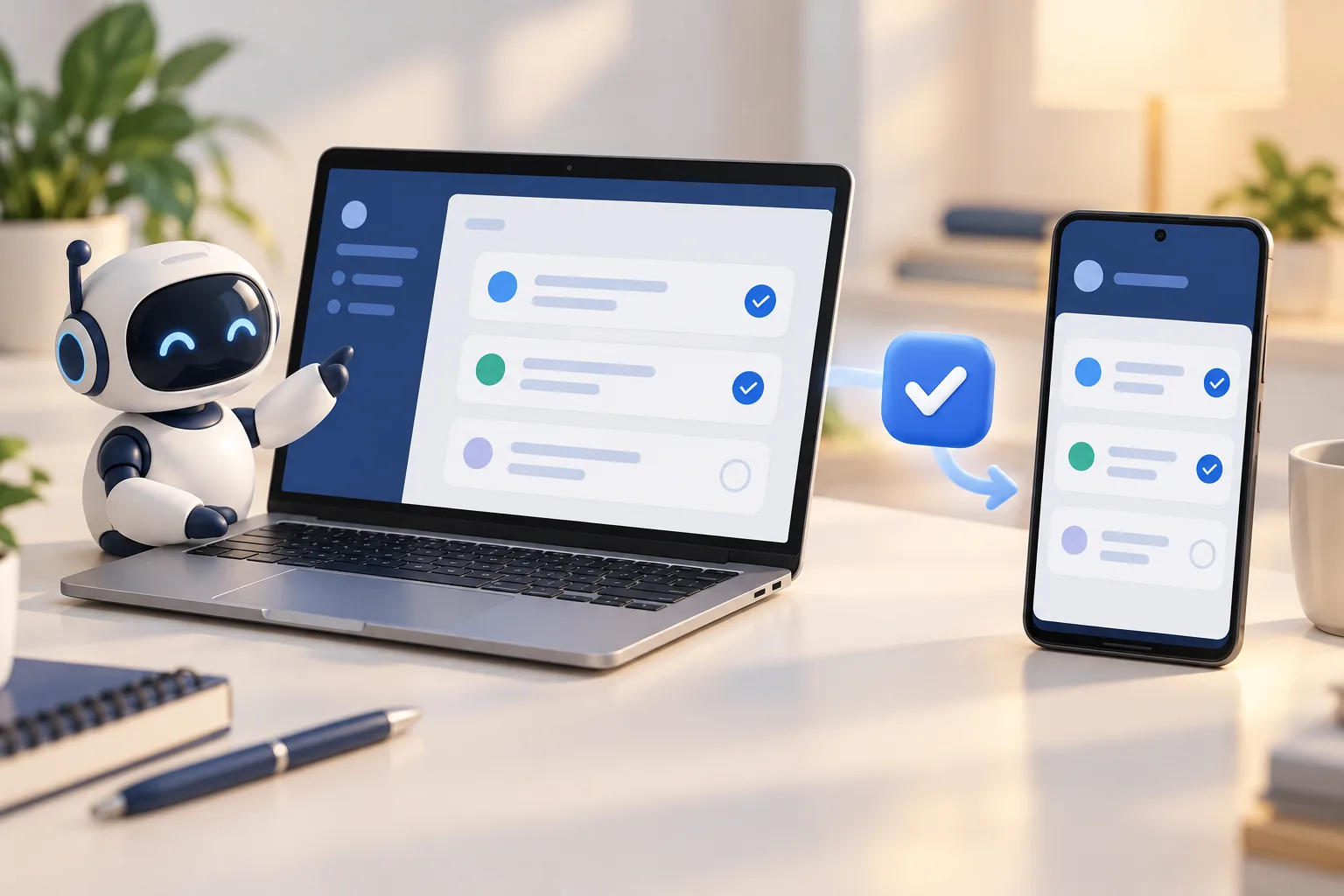
If you're new to vibe coding, I recommend building one web app, wrapping it as a TWA, and publishing it on the Play Store. A TWA opens your web app like an Android app, with no address bar. In my experience, web apps are easy to build with AI, check right away and fix, and adding a TWA makes your first project "my own app" by a fairly short path.
What is vibe coding?
Vibe coding means building software by describing it to AI in plain words and shaping it as you watch the results, instead of writing code line by line. The term is widely credited to AI researcher Andrej Karpathy, who coined it in February 2025. If you can explain "I want a screen like this with these features," you can start, even without knowing much code.
What you build first matters, though. Start with a complex app and you can easily get stuck. That's why I say: start with a web app. A web app is a program you use in a browser; order tracking, a schedule or a simple calculator can all be web apps.
What is a TWA?
A TWA (Trusted Web Activity) is an Android feature from Google that shows your website inside an app. When you open the app, the site fills the screen like an app, with no address bar. The phone's Chrome browser does the actual rendering.
The key is confirming that the website and the app belong to the same developer. You place a verification file (Digital Asset Links) on your site, Chrome confirms the app and site are a pair, and then it hides the address bar.
You also need HTTPS and some app settings, but tools like Google's Bubblewrap or PWABuilder save you from writing Android code from scratch.
| Building a new app | Wrapping with a TWA | |
|---|---|---|
| Skills needed | Android development (Kotlin, etc.) | One website |
| Making changes | Re-upload the app and wait for review | Web screens and features update when you change the web |
| Screens | Separate for PC, mobile and app | One web app for PC, mobile and app |
| iPhone | Build separately | Not supported (needs another route) |
Why start vibe coding with a TWA?
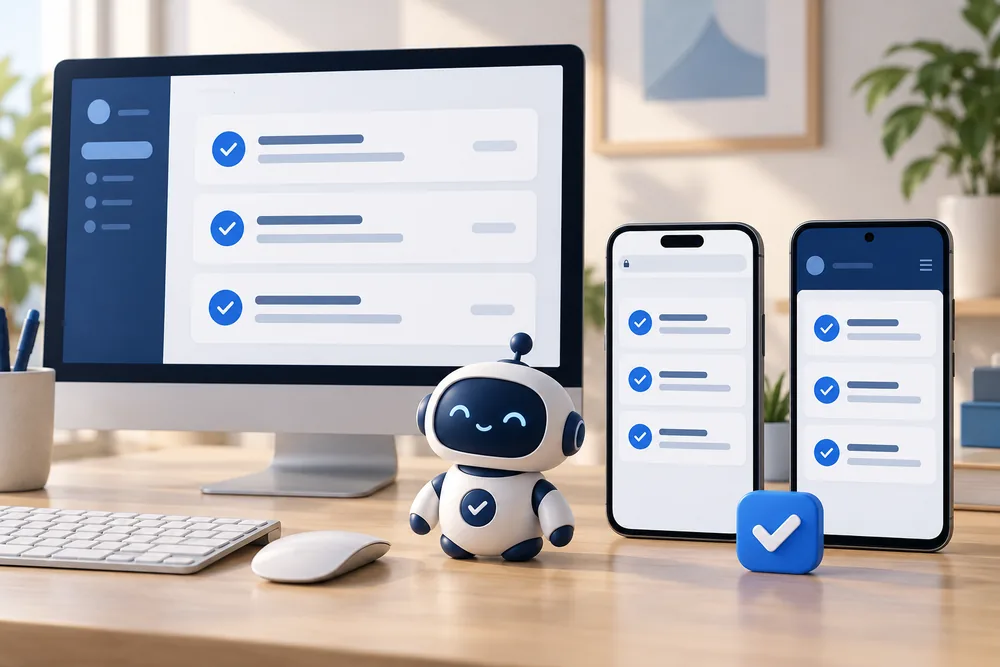
- You see a first result quickly: You can build a small feature and check it in the browser right away. Early "it works!" moments matter, and web apps tend to give you one fairly fast.
- You can change things and see them right away: Change the web screens and features, and the app reflects it. Such changes usually don't require resubmitting the app, so you can loop quickly with AI: build, check, fix. Changing the app's own settings, though, may require a new release.
- One build, three places: Make it fit different screen sizes and one web app works in PC and mobile browsers and as an Android app.
- You get "your own app": Pass the required testing and review, and your own app is on the Play Store. It's a bigger motivator than you'd think, and a good goal for learning by building.
Start with one small feature
You don't need a big app at first. A personal scheduler that organizes your to-dos, deadlines and meetings your way is a fine start.
Decide what to build, sketch the screens and features, and gather what you need. Then build it with AI, use it yourself and keep improving it. I started because I needed an extra feature myself. Start from "I wish I had something like this."
What to know before you start
It isn't all upside. Knowing these in advance saves you from getting stuck.
- New personal developer accounts must test first: Personal accounts created after November 13, 2023 must run a closed test with at least 12 testers opted in for 14 days in a row before publishing. Think ahead about who you can ask.
- If verification fails, the address bar shows: If your app opens with an address bar at the top, it's usually the website's verification file. If you're stuck, show AI that screen and your settings and ask.
- iPhone needs another route: TWA is an Android feature. iPhone apps need a different approach.
- A slow website means a slow app: The app is your website on screen, so the website's quality is the app's quality.
In short
- One small web app is a good way to start vibe coding.
- A TWA opens that web app like an Android app with no address bar, ready for Google Play.
- Web screens and features update when you change the web, which makes it great for learning fast with AI.
- Know about the test for new personal accounts (12 testers, 14 days) and the lack of iPhone support.
At ONE-PEX, we build our business system FROX the same way: the web at the center, used on both PC and phone, started small and improved step by step.
Sources

A software planner who became a developer after two years of working with AI five to twelve hours a day. Today I build FROX, an AI-powered business system, at ONE-PEX.