
 Song-saem: From Planner to Developer with AIBlog home →
Does AI Remember You? Why Long Chats Burn Through Your Usage Limit
AI feels like an old friend not because it remembers you, but because it rereads the whole conversation every time you ask. Knowing this shows you how to stretch your usage limit.
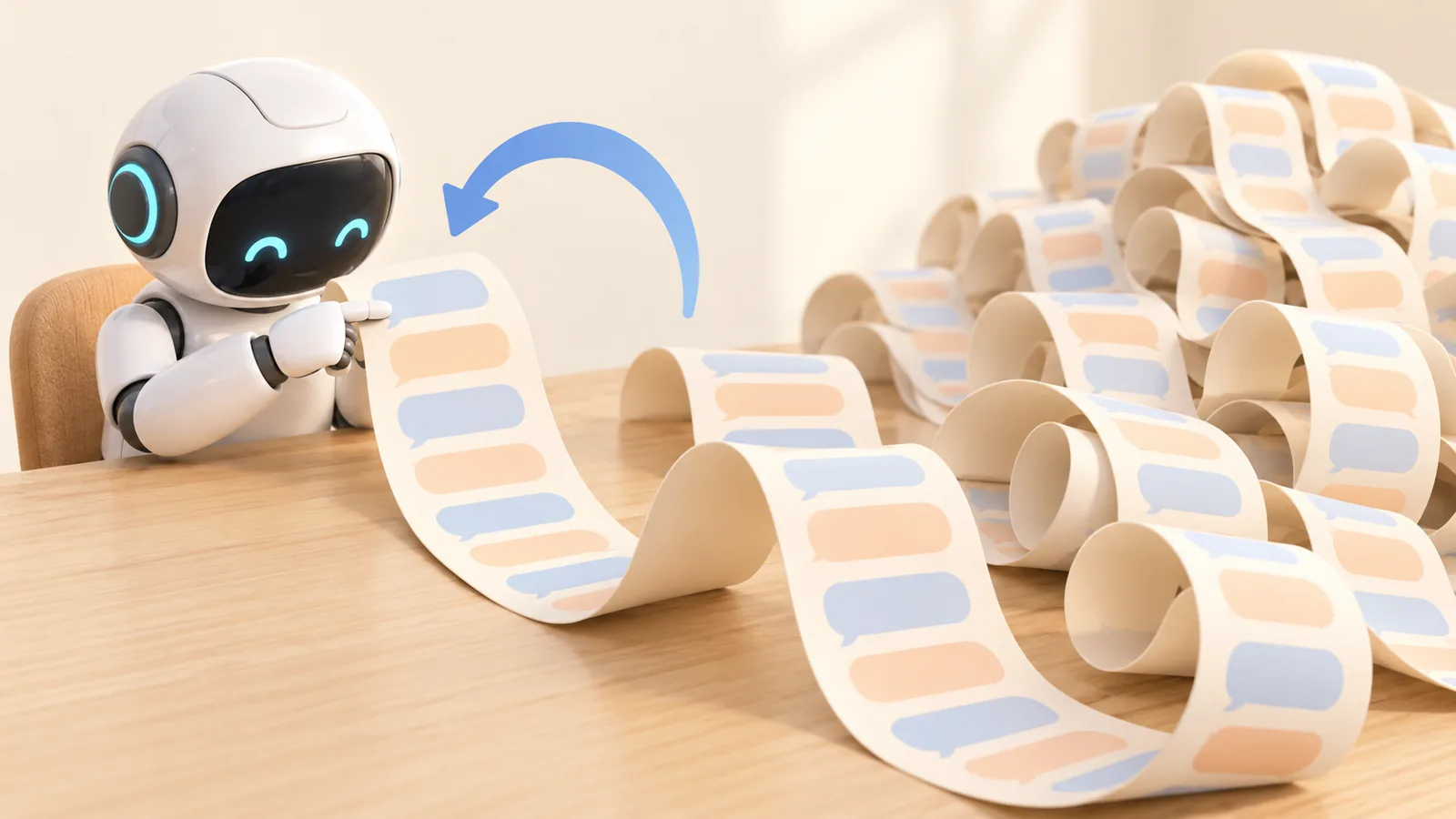
If you use ChatGPT, Gemini or Claude every day, AI can start to feel like a friend. It knows your work and anticipates where you want to go. But AI is not waiting for you and remembering you. Every time you send a message, it rereads the conversation from the beginning and answers. Once you understand this, you can use AI longer and for less.
Does AI really remember me?
No. There is no "personal AI" sitting there waiting for your next question. Each time you send a message, the AI receives the entire chat so far, reads it again, works out the context and replies.
Anthropic's developer documentation puts it this way:
"As the conversation advances through turns, each user message and assistant response accumulates within the context window, and previous turns are preserved completely."
The context window is how much the model can read at once. Current Claude models can read up to 1 million tokens.
Then how does it know what I said in other chats?
Through "memory" features. ChatGPT and Claude save things you asked them to remember, or details from past chats that look useful, and pull in only the relevant pieces when a new chat starts. They do not reread every past conversation. According to OpenAI, past chats are consulted only when they are likely to help the answer.
So when AI seems to know you well, it is closer to rereading saved notes than to remembering.
Why long chats use up your limit faster
Rereading from the start means the reading grows with every turn.

| Question | What the AI rereads at that point (example) |
|---|---|
| 1st | about 1,000 tokens |
| 10th | about 10,000 tokens |
| 50th | about 50,000 tokens |
(Example assuming about 1,000 tokens per exchange.)
Under that assumption, 50 questions in one chat add up to about 1.27 million tokens read. Split the same 50 questions across five chats of 10, and it drops to about 275,000. That is why long chats hit the limit so quickly.
Two ways to save your limit
- Summarize midway: When a chat gets long, ask "Summarize what we've decided and what's left," and keep only that summary.
- Start fresh with a handoff note: Ask "Write a handoff note so I can continue this in a new chat," then paste it into a new chat. The new chat reads a short note instead of a long history.
I learned this the hard way. I once let a chat run so long that by the time I asked for a handoff note, it was too late to get even that. Now, as soon as a chat starts to feel long, I get the handoff note before it nears the limit.
Isn't AI fine with long chats now?
It has improved a lot. Compared with six months ago, AI loses track of long conversations far less often, and coding agents like Claude Code and Codex can carry long tasks to the end.
But the trick is the same idea. As a conversation nears its limit, the AI summarizes the earlier part itself, like a handoff note, and keeps going. Anthropic describes this as automatically summarizing "earlier parts of the conversation … so the conversation can continue past the context window limit." The AI is doing the midway summary for you. Decisions you cannot afford to lose are still worth writing down yourself.
In short
- AI is not a friend who remembers you; it is a very fast reader who rereads the conversation every time.
- It knows other chats by reading saved notes.
- Longer chats mean more rereading and a faster-filling limit. Midway summaries and handoff notes are the cheapest, surest fix.
Sources

A software planner who became a developer after two years of working with AI five to twelve hours a day.