
 Song-saem: From Planner to Developer with AIBlog home →
Making a 3D Game with AI: I Had the Materials, Then Got Stuck (Building Road Voca 2, Part 4)
For Road Voca 2 I prepared pictures, 3D models made with the AI tool Tripo, learning data, voice recordings and sound effects. But when I put them together on a browser game screen with Three.js, they didn’t feel like one world. AI-made materials weren’t a game yet, and now I’m opening the models in Blender to learn what they need.
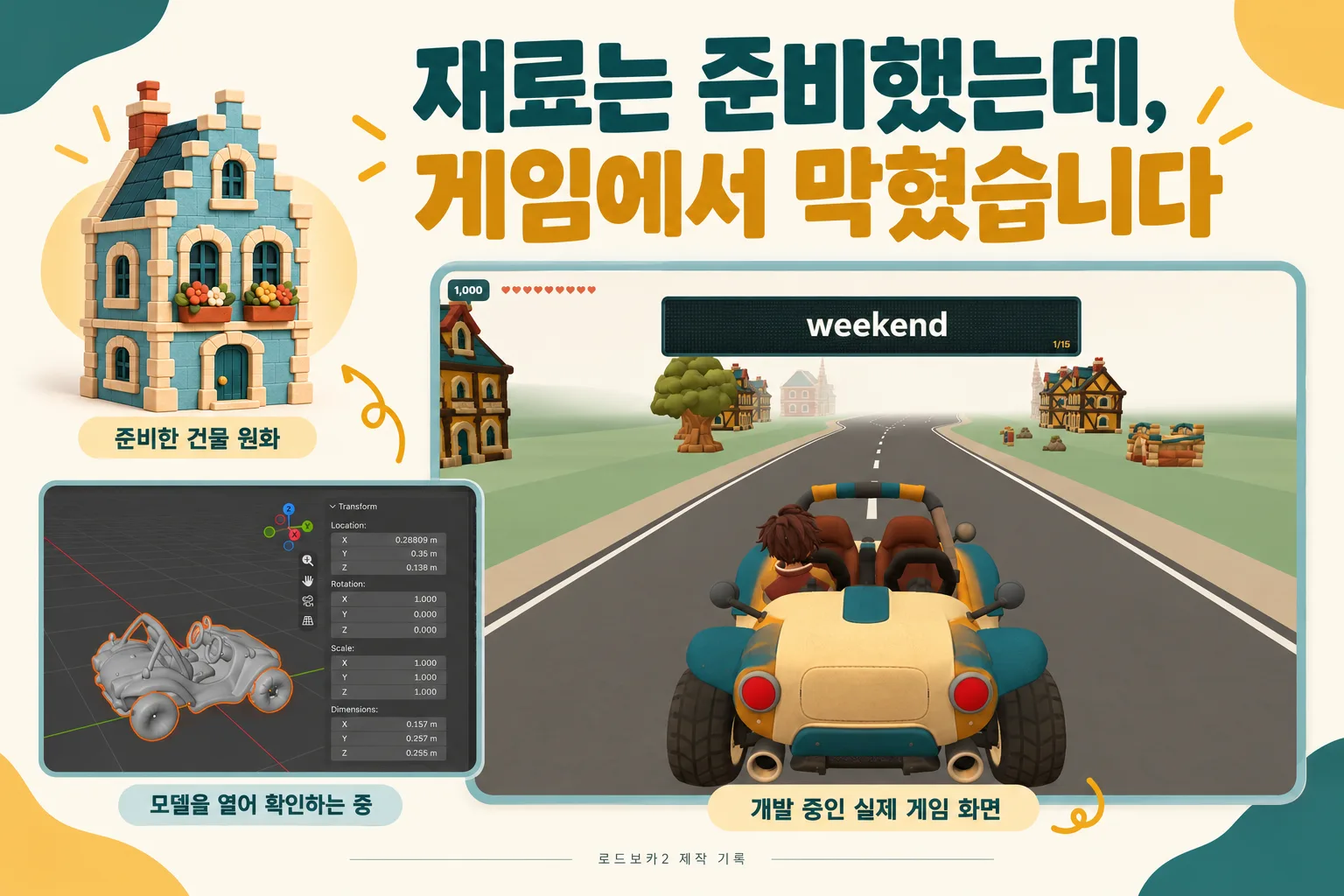
If you prepare 3D game materials with AI, does the game come together quickly? Thanks to AI I prepared pictures and 3D models fast, but when I gathered them on one screen and made them move, the result was far from what I expected. Having the materials and having a good-looking game screen turned out to be different things. Now I’m opening the models one by one in Blender, a free 3D program.
In the last post I explained that I’m building Road Voca 2 as a 3D game that runs in the browser, without Unity. Today is about where I got stuck. While preparing pictures and 3D models I thought, “Now I just need to put them in the game.” But when I gathered the materials in one place and actually ran them, it was different.
The materials were almost ready
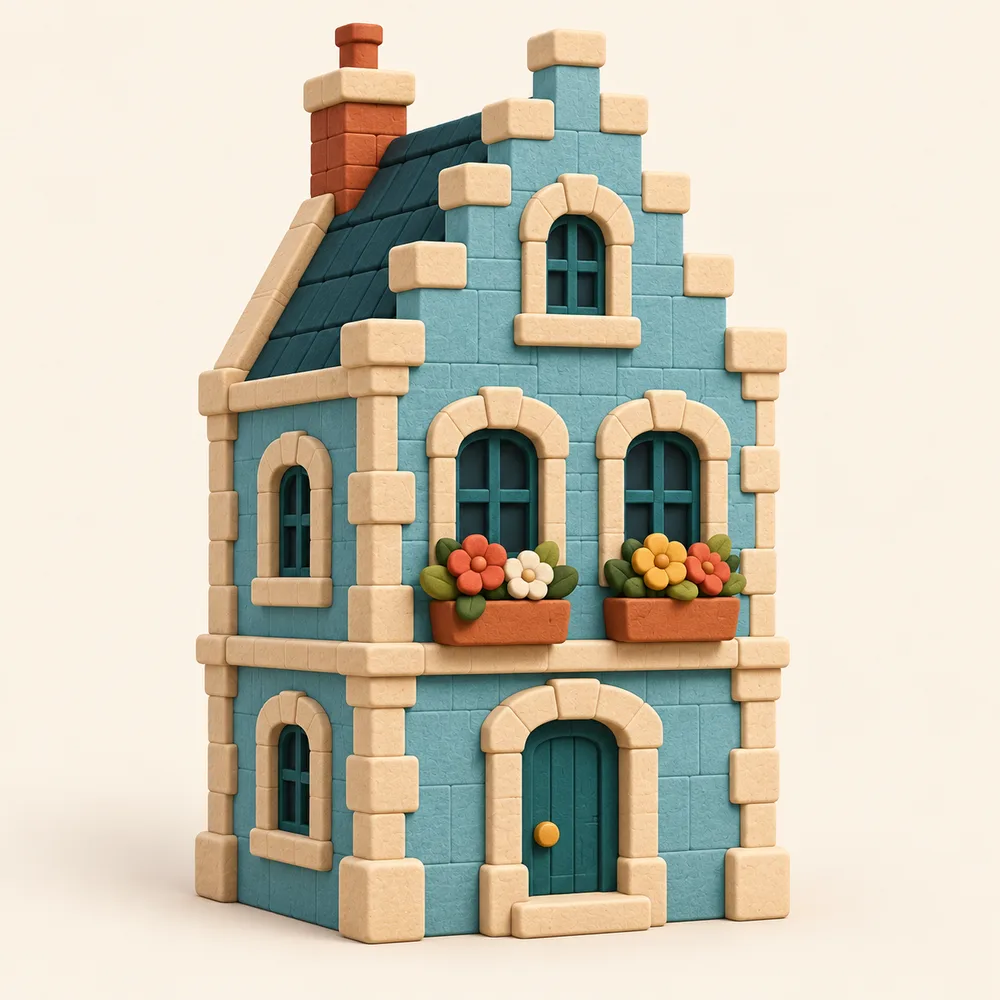
I prepared learning pictures that explain roots and words, original artwork for characters and vehicles, and buildings and props to fill the game space. I made 3D models from the pictures, and also prepared learning data, voice recordings of words and sentences, and sound effects for right and wrong answers.
To make the 3D models I used an AI tool called Tripo. It turns a picture into a 3D model. Work that once meant studying for a long time or hiring an expert could now start from the pictures I already had, and that amazed me.
Gathered on the game screen, it looked different
Road Voca 2 draws its 3D screen in the browser with Three.js. Besides loading models, I have to set up where the camera points and how the scene is shown.
But materials that looked fine one at a time felt awkward together in the game. I wanted a screen that felt like a single world; instead it felt like separate materials dropped side by side. I also had to check each model’s shape, surface, size and direction, and adding walking and running movement to characters wasn’t as simple as I’d thought.
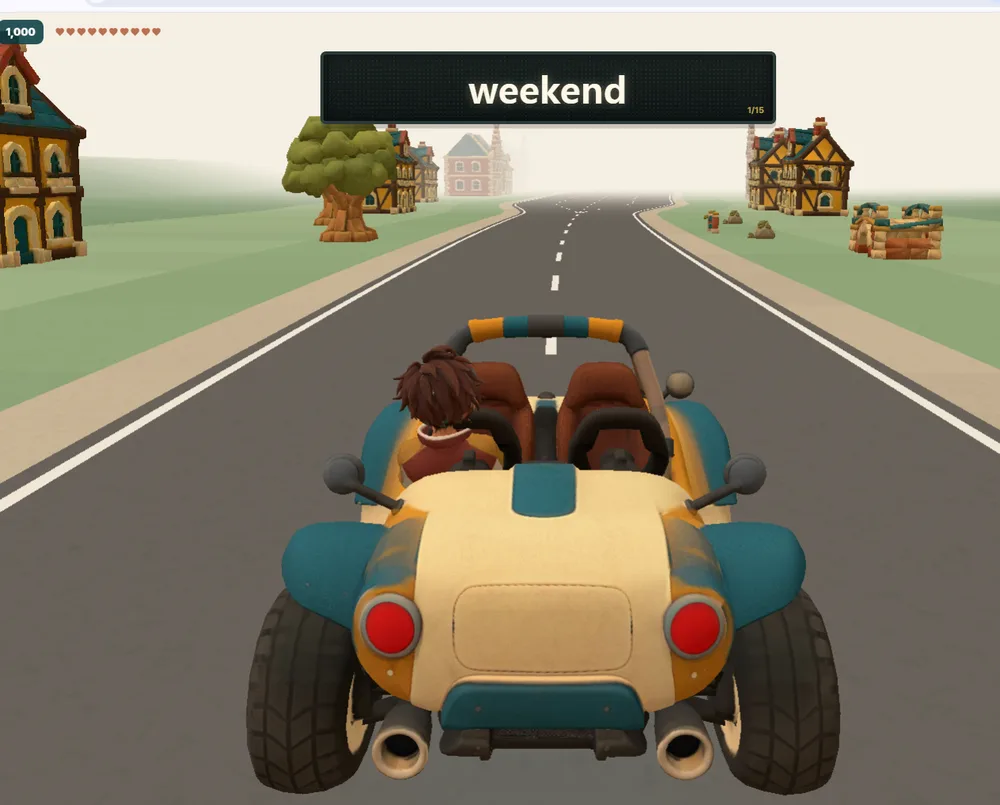
This is Road Voca 2 running in the browser right now. There’s a car, a road, and buildings and trees around it. But having each material and having a good-looking game screen are different things. I’m at the stage of checking, one by one, whether a model itself needs fixing, whether placement and size need adjusting, or whether lighting and the camera need work.
AI-made materials weren’t a game yet
Getting stuck taught me something. AI quickly making materials and finishing a game with those materials are two different jobs.
| A picture | A 3D model in a game |
|---|---|
| Only has to look good from one direction | Has to look fine from many directions |
| Is complete on its own | Has to match other objects in size |
| Stands still | Has to look natural when it moves |
| Only has to be looked at | Has to run lightly in the browser |
The part I expected to be easy is where I’m spending the most time.
So I opened Blender
What I’m trying now is looking at the models directly in Blender, a free 3D creation program. It can fix a model’s shape and materials, add a skeleton for movement, and make animations.
First I’m opening the AI-made models to see what state they’re in. Below is my actual screen with the car model loaded.
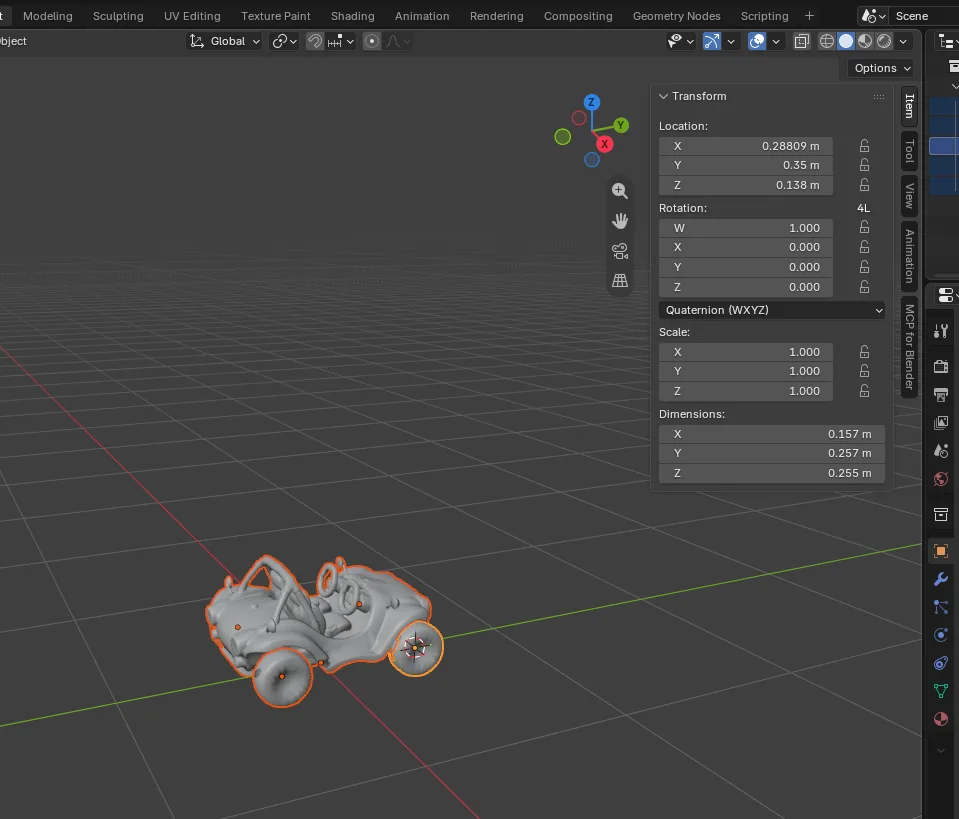
There are four main things I plan to sort out:
- Look for awkward shapes and parts that aren’t needed
- Match each model’s size and direction
- Reduce complex parts so the models work well in the browser
- Check whether characters are built in a way that movement can be added
A model showing up gray in Blender doesn’t mean its colors or materials are gone. I learned to tell the screen’s display mode apart from the model’s actual state.
Since it’s my first time with the program, I’m learning features one by one by asking AI. It reminds me of learning Unity. The difference is that this time I know a little better what I’m opening the tool to check.
This isn’t a solved story yet
Using Blender probably won’t solve everything. After cleaning up the models I still have to put them back in the game and check placement, lighting and movement together.
I can’t say it’s solved yet. I’ve prepared plenty of materials, but I’m learning again while turning them into one game, and I’ll record that process as it is. You can try the current Road Voca on the Road Voca website (one-pex.com).
In short
- For Road Voca 2 I prepared learning pictures, character, vehicle and building artwork, 3D models made with Tripo, learning data, voice recordings and sound effects.
- Gathered on a browser game screen with Three.js, they didn’t feel like one world; it felt like separate materials dropped side by side.
- A picture only has to look good from one direction, but a game model has to work from many directions, in size, in motion and in weight.
- Now I’m opening the models in Blender to check their state and plan to sort out size, direction, complex parts and movement structure.
FROX, the business system I build at ONE-PEX, goes through the same step: a person checks, piece by piece, whether the parts AI made quickly fit together into one system.
Next (Part 5): What I changed while examining and cleaning up the models in Blender, and what difference it made on the game screen.
Related reading: Building a 3D Game Without Unity: How Road Voca 1 and 2 Differ (Building Road Voca 2, Part 3) · Studying Words or Playing a Game? The Planning Behind Road Voca 2 (Building Road Voca 2, Part 2)

A software planner who became a developer after two years of working with AI five to twelve hours a day. Today I build FROX, an AI-powered business system, at ONE-PEX.
More posts
- What Can You Build with AI?Orders in KakaoTalk, Stock in Excel, Receivables in a Notebook: Changing Messenger Orders Only the Owner Understands (Food Supplier, Part 1)
- What Can You Build with AI?I Fixed My TWA App, So Why Didn't It Change? What I Learned from the War with Caching
- What Can You Build with AI?Details Matter: Splitting 3D Characters and Vehicles So They Can Move (Building Road Voca 2, Part 5)