
 Song-saem: From Planner to Developer with AIBlog home →
Where Can Your Personal Data Leak from ChatGPT? The Privacy Settings, Explained
ChatGPT does not learn from your words on the spot. The real paths for personal data are training data, memory, shared links, connected apps and your account. Here is what each setting protects, explained one by one.
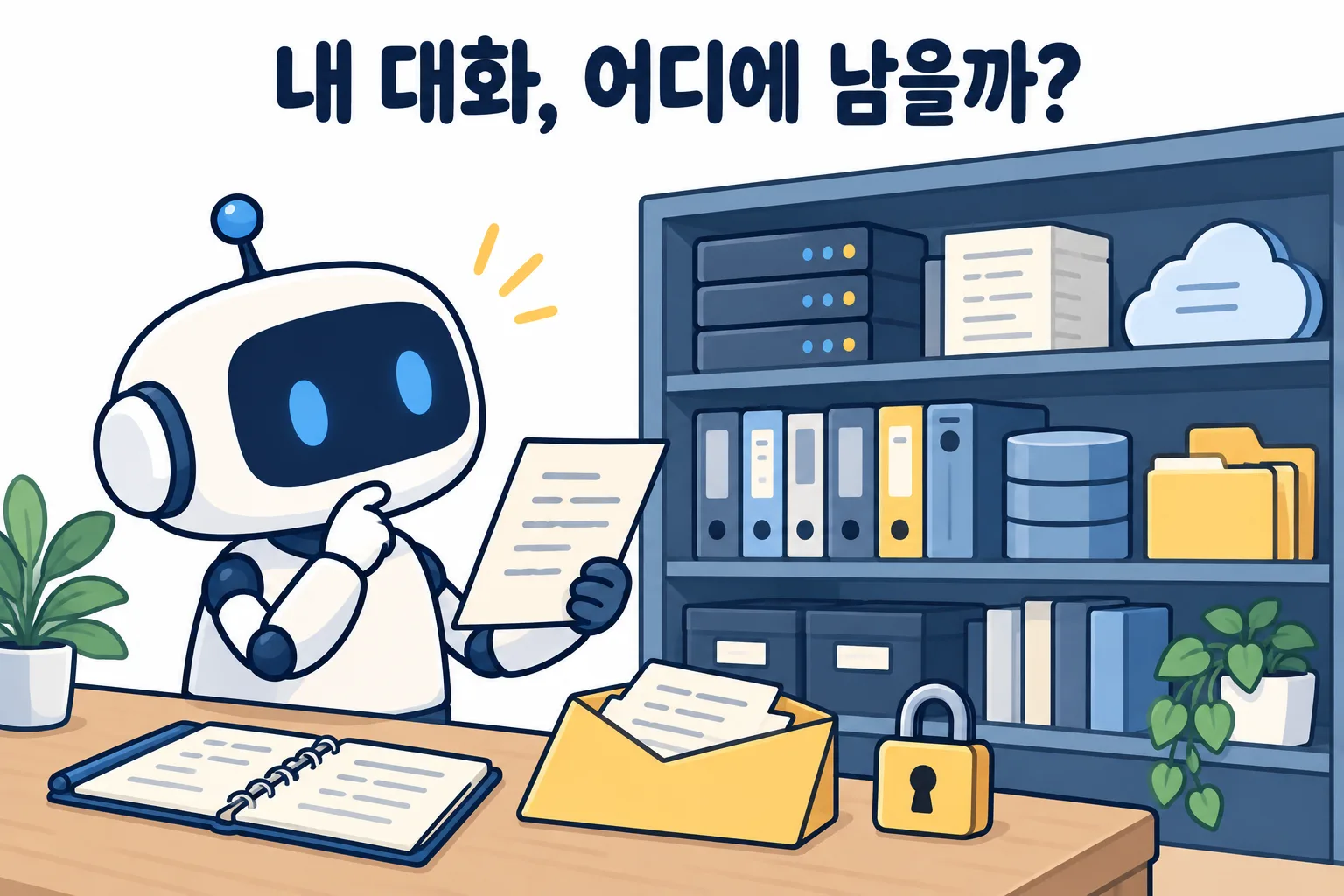
Where can personal data you put into ChatGPT end up? First, one myth: the ChatGPT you are chatting with does not learn from your words on the spot. There are five places to actually watch: training data for the next version, memory, shared links, connected apps, and your account.
Does ChatGPT learn from me right away?
An AI model comes to us after it has finished studying. Think of a graduate. When you send a message, it reads the whole conversation, your instructions and saved notes as one bundle, then writes an answer. Once the answer is sent, nothing stays inside the model. This is what an earlier post, "Does AI remember you?", called "a very fast reader who rereads everything each time."
So "what I typed today shows up in someone else’s answer today" is very unlikely by design. That still doesn’t mean you can relax. Your chats are stored on the company’s servers and, through various features, end up in more places than you might think.
Your chats may become training data
Training happens at the company, not in your chat window. OpenAI says chats on personal plans (Free, Go, Plus, Pro) may be used to build future models by default. Turn off Settings > Data controls > "Improve the model for everyone" and later chats are not used for training. Content pulled in from connected apps like Gmail or Google Drive follows the same setting.
One catch: even with this setting off, giving an answer a thumbs up or down may let that whole conversation be used. Business plans (Business, Enterprise) and the API are not used for training by default.
For sensitive questions, Temporary Chat is handy. It stays out of your history, does not use memory and is not used for training. It is still kept for 30 days for safety checks before deletion.
Things can stay in memory
Memory is ChatGPT’s notebook about you. It is convenient, but once something is written there, it is stored separately from your chat history. So deleting a chat may not remove it from memory. In the memory section of settings, you can see what has been saved, delete items, or turn memory off. When I open mine now and then, I’m sometimes surprised by how much detail is in it.
Anyone with a shared link can open it
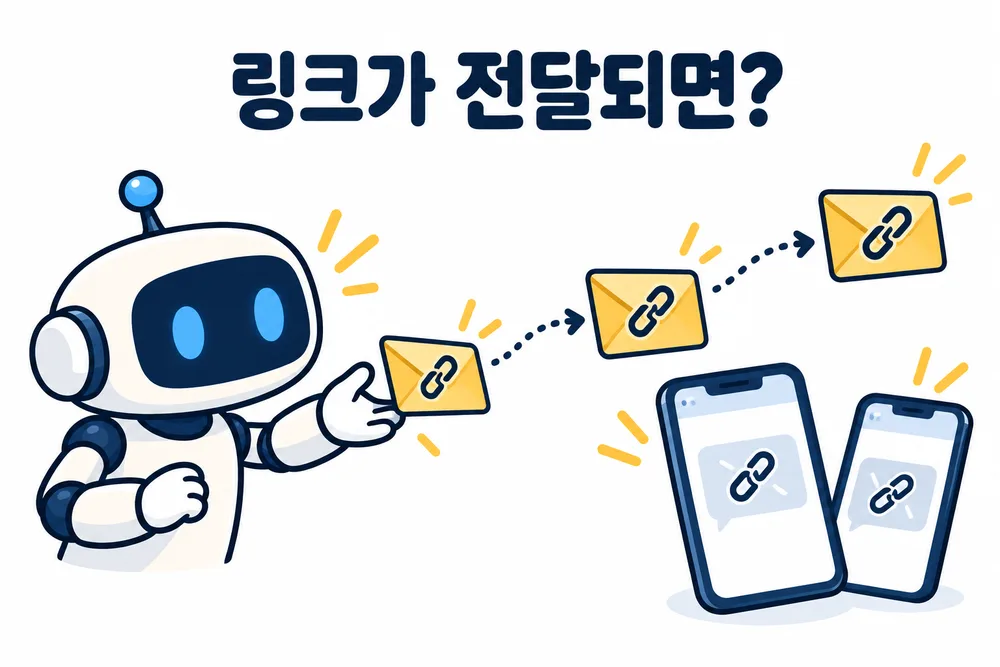
When you share a chat as a link, anyone who has the link can open it and pass it on. You cannot limit it to specific people, and it never expires on its own. Under Settings > Data controls > Shared links, select "Manage" to see and delete every link you have made. Deleting the original chat also removes its link.
Connected apps reach your mail and files
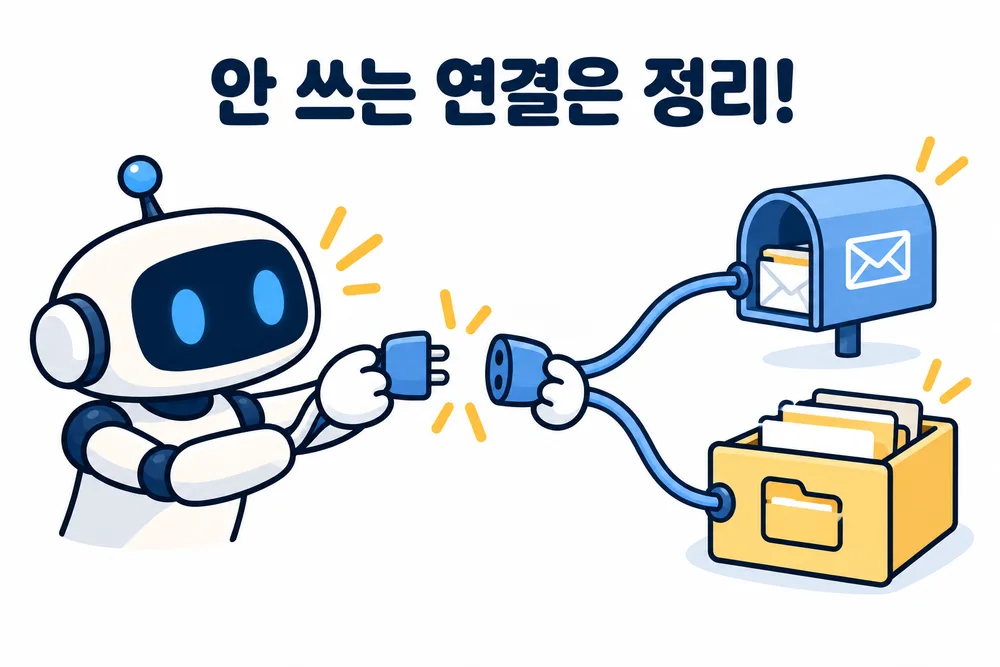
Connect apps like Gmail or Google Drive and ChatGPT can read what is inside them. The convenience comes with a wider reach. Open the list of connected apps in settings and disconnect anything you no longer use.
If your account is breached, everything is open
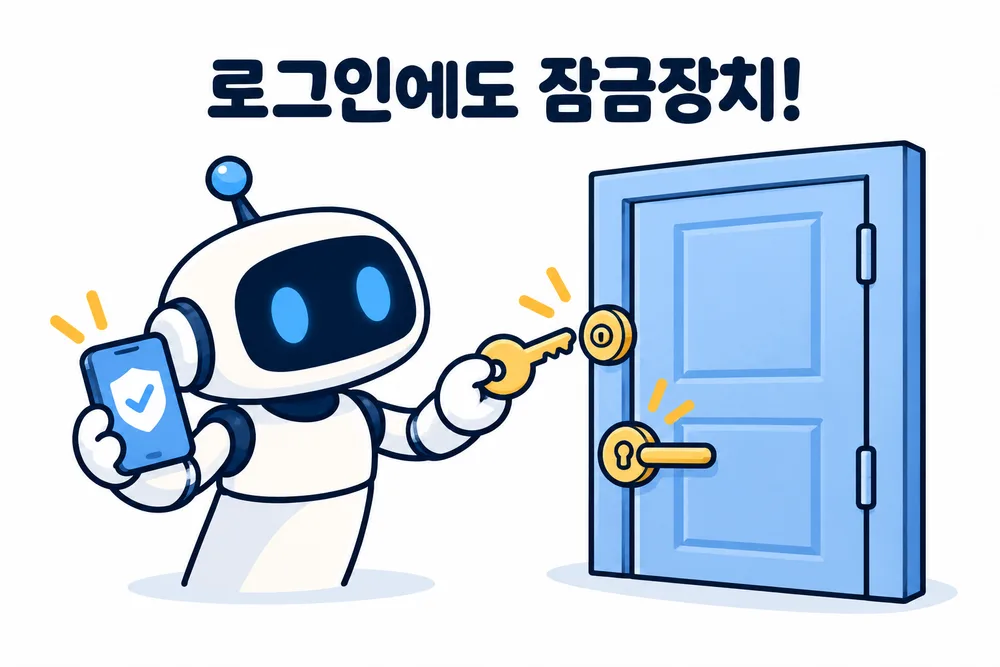
Even with every setting above in place, anyone who logs into your account can read your whole chat history. Turn on multi-factor authentication under Settings > Security, using an authenticator app, text message or passkey. "Log out of all devices" on the same screen helps if you once stayed logged in on another computer. Turning on MFA does not log out other devices automatically, so do both.
What comes before any setting
OpenAI says it masks personal information before training. Still, the surest protection is not typing it in at all. I never put national ID numbers, bank or card numbers, or passwords into any AI. When I need customer data, I remove names and numbers or swap in fake data with the same format. The AI does the job just as well. Menu names can differ slightly by update or language, so I check the settings screen of my own account again myself.
In short
- ChatGPT does not learn your words on the spot. It rereads the conversation and answers.
- Personal data can travel through training data, memory, shared links, connected apps and your account. Each has its own setting.
- The surest protection is still never typing sensitive information in the first place.
When we build FROX, the AI-powered business system at ONE-PEX, we start from the same checks: whether we use an API that does not train on data by default, and whether customer personal data stays out of the AI.
Related reading: Does AI remember you? · Why is AI so confidently wrong?
Sources

A software planner who became a developer after two years of working with AI five to twelve hours a day. Today I build FROX, an AI-powered business system, at ONE-PEX.
More posts
- What Can You Build with AI?Which Language Should You Build a Web App In? Languages Compared (Build Your Own Scheduler, Part 1)
- What Can You Build with AI?Start Vibe Coding with One Web App: From TWA to the Play Store
- AI User ManualWhy Is AI So Confidently Wrong? The Checking Habits I Learned in Two Years